
code-server - 浏览器里的 VS Code
把 VS Code 跑在服务器上,任何设备打开浏览器即可获得一致的开发环境,体验与本地 VS Code 基本无异,支持远程开发。
Linux 下安装命令
curl -fsSL https://code-server.dev/install.sh | sh安装完成后可在配置文件 ~/.config/code-server/config.yaml 中修改端口和设置密码:
bind-addr: 127.0.0.1:8080
auth: password
password: your_password
cert: false
为提高安全性,还需要配合 nginx 开启 https,nginx 反向代理设置:
server {
        listen 80;
        # listen 443 ssl; #开启https
        server_name code.your_domain.com;

        location / {
            # if ($server_port = 80 ) {  # http重定向到https
            #      return 302 https://$host$request_uri;
            # }
            proxy_pass http://127.0.0.1:8080;
            proxy_set_header Host $host;
            proxy_set_header Upgrade $http_upgrade;
            proxy_set_header Connection upgrade;
            proxy_set_header Accept-Encoding gzip;
        }

        # ssl_certificate /path_to/cert.pem; # https证书路径
        # ssl_certificate_key /path_to/key.pem; # https证书路径

        ssl_session_timeout 5m;
        ssl_ciphers ECDHE-RSA-AES128-GCM-SHA256:ECDHE:ECDH:AES:HIGH:!NULL:!aNULL:!MD5:!ADH:!RC4;
        ssl_protocols TLSv1 TLSv1.1 TLSv1.2;
        ssl_prefer_server_ciphers on;
}
在浏览器中打开效果跟本地 VS Code 一样
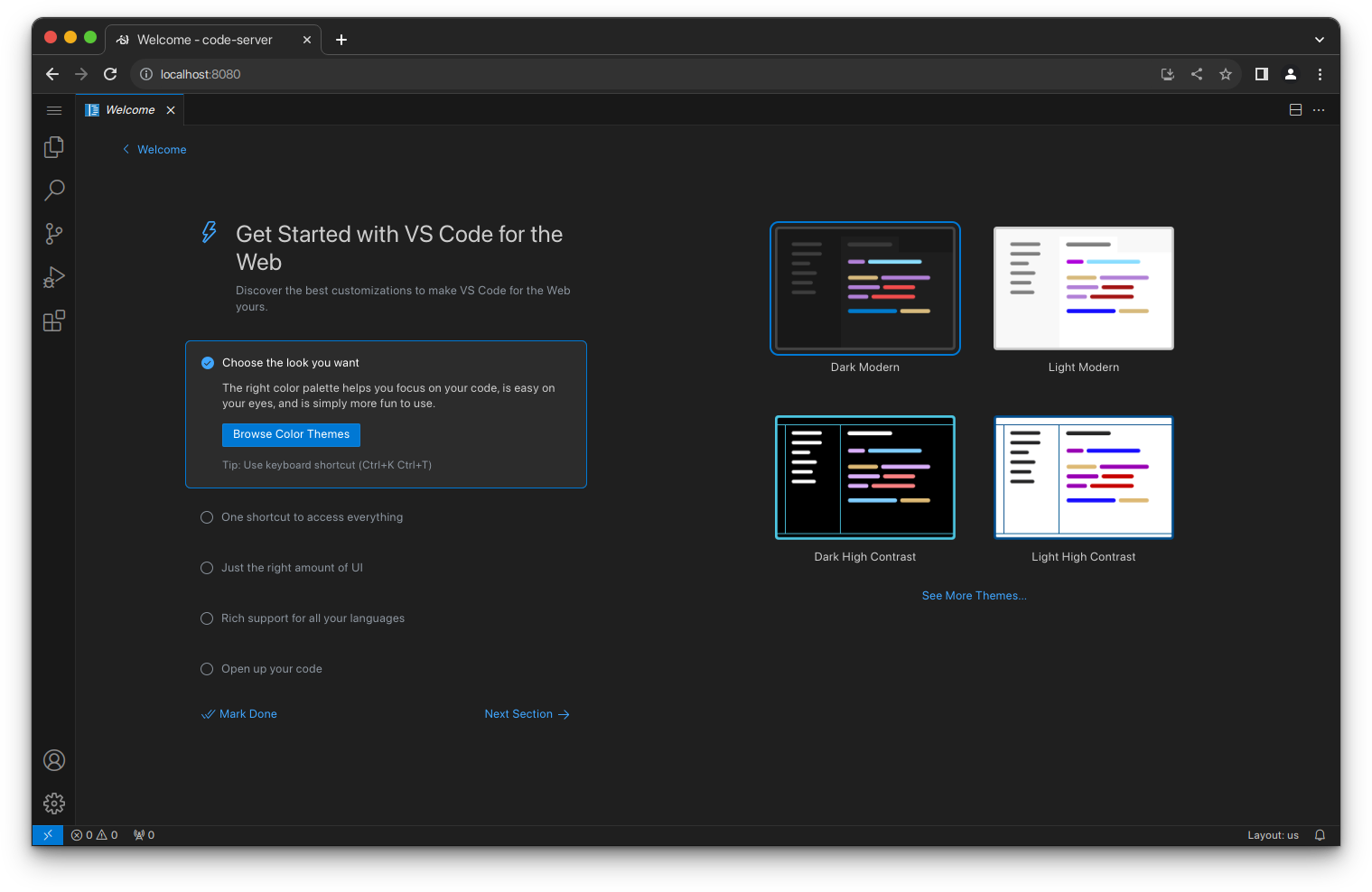
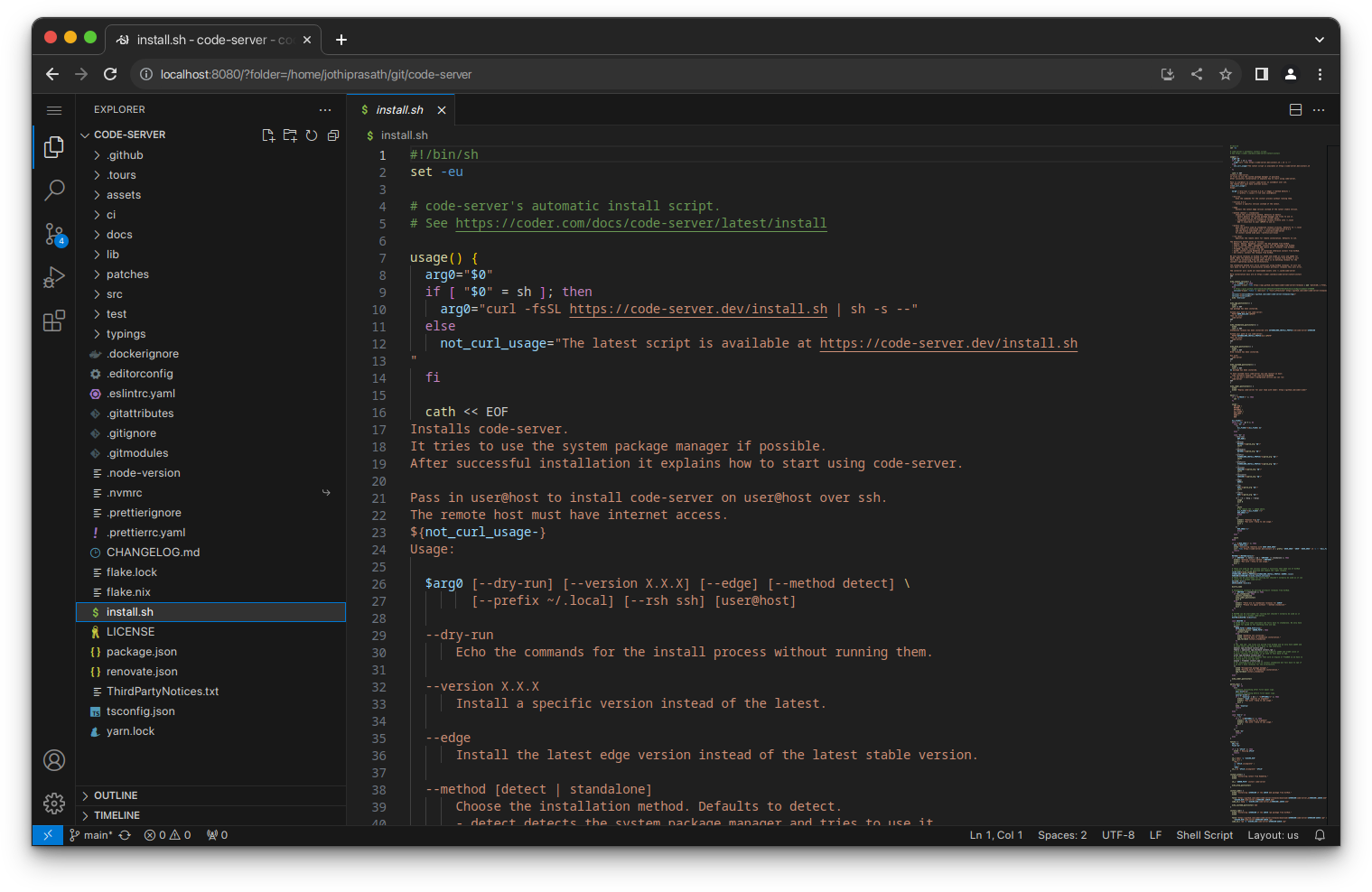
- 在不同设备上只要有浏览器即可,都是相同的开发环境
- 小团队使用该方案可保证开发环境一致,缺点是没有多用户,所有人都在同一个环境下操作,可能会有冲突
- 当端口暴露在公网时需要注意安全性,务必设置强密码,最好加上访问 IP 白名单